Free
Free forever
$0
Clone it, build it, and run it on your own machine. Nothing to sign up for.
- Live MetaTrader 5 sync
- Trade log and P&L calendar
- Expectancy for every setup
- Local SQLite database
- CSV import and export
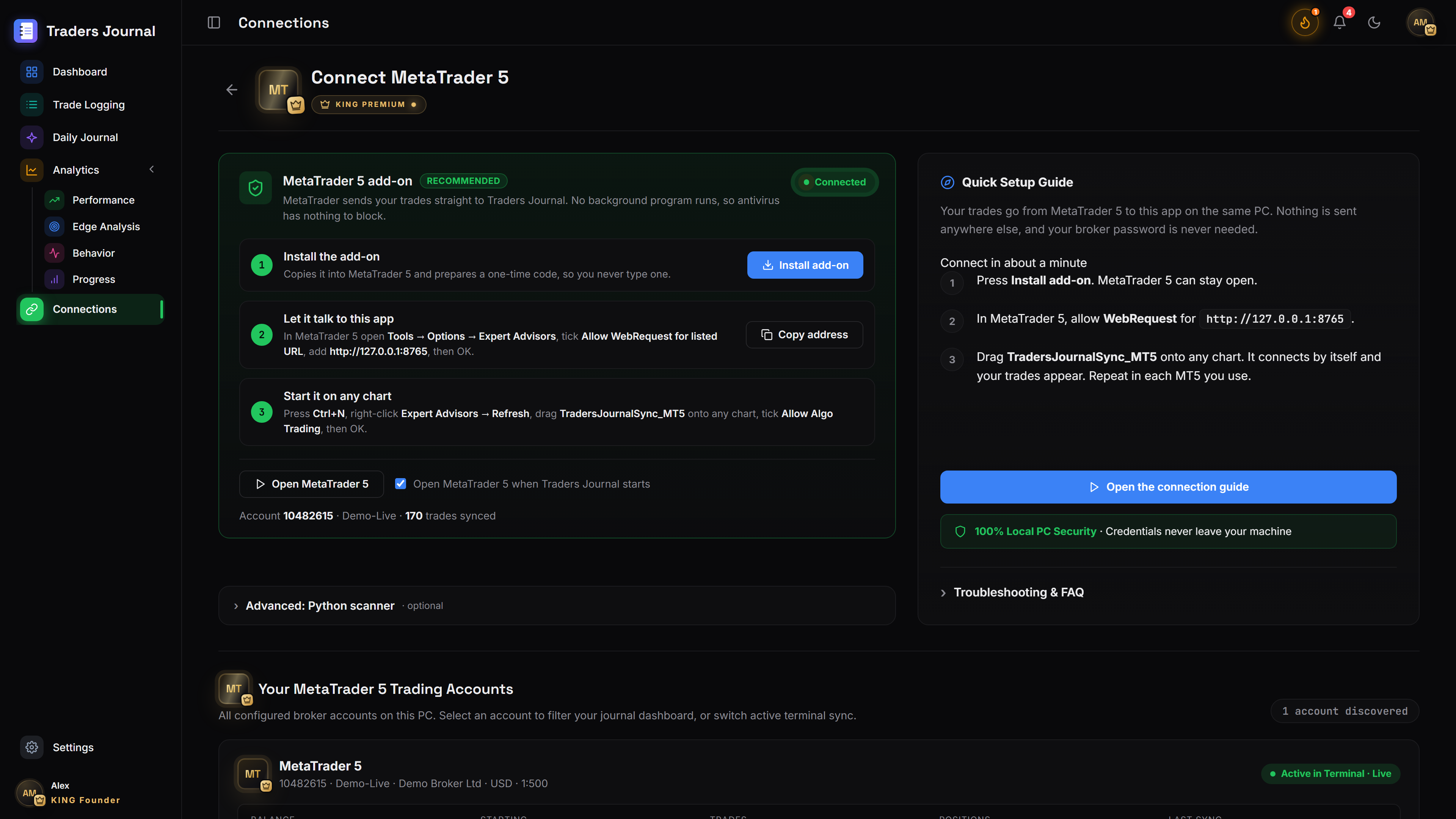
Connect MetaTrader 5, and your fills land in the journal as they happen. Tag setups, review the day, and see which trades actually make you money.
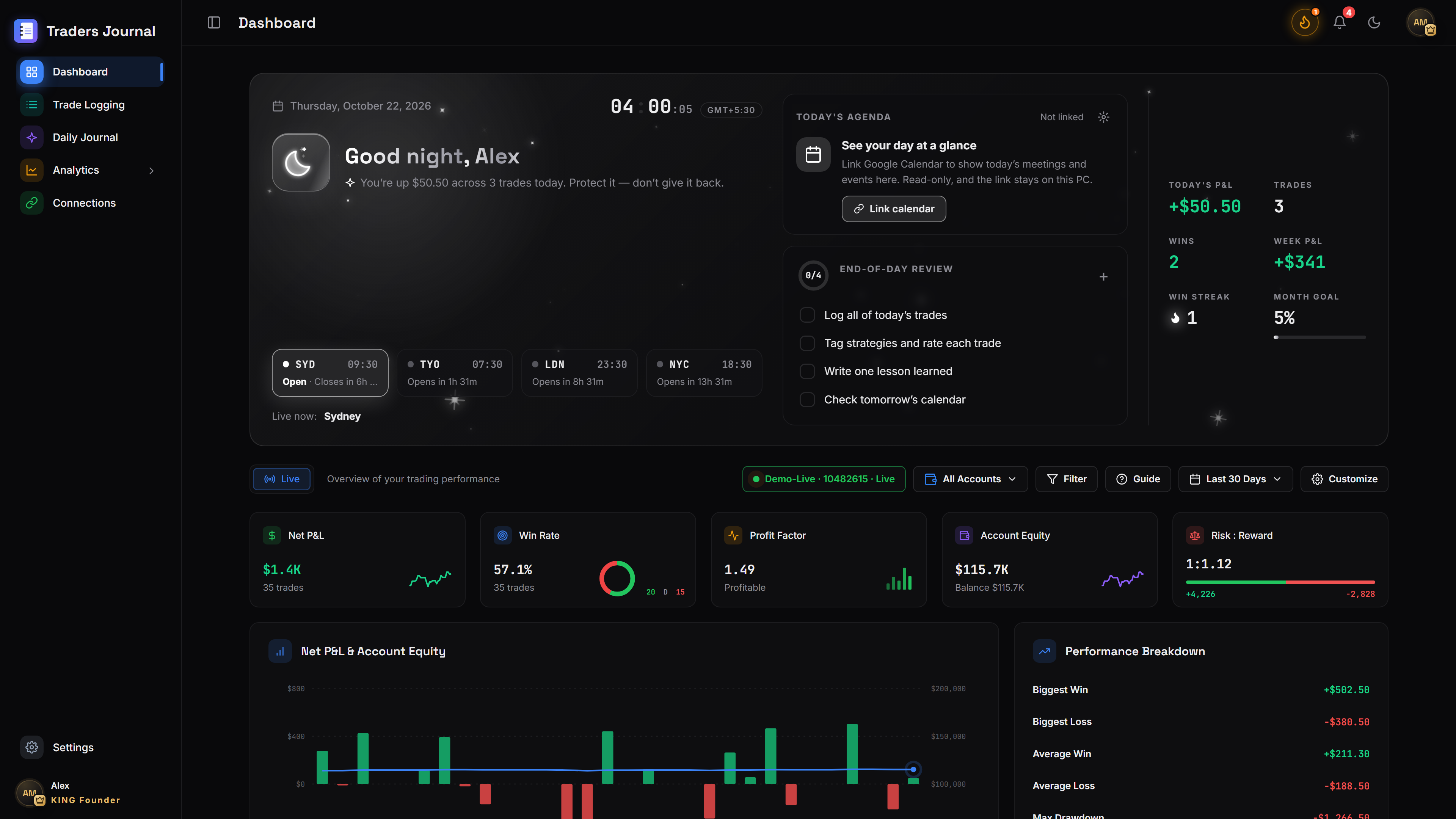
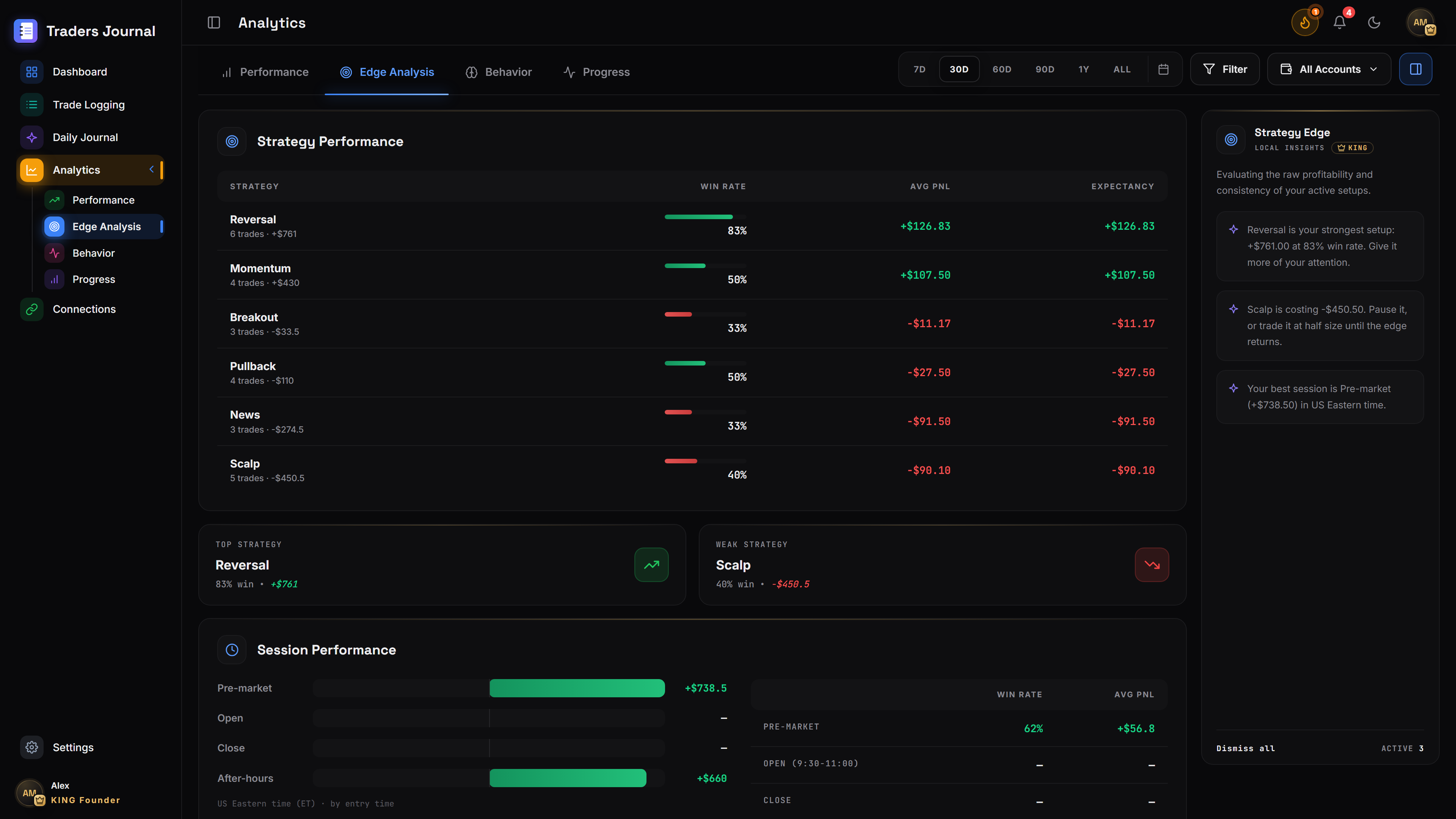
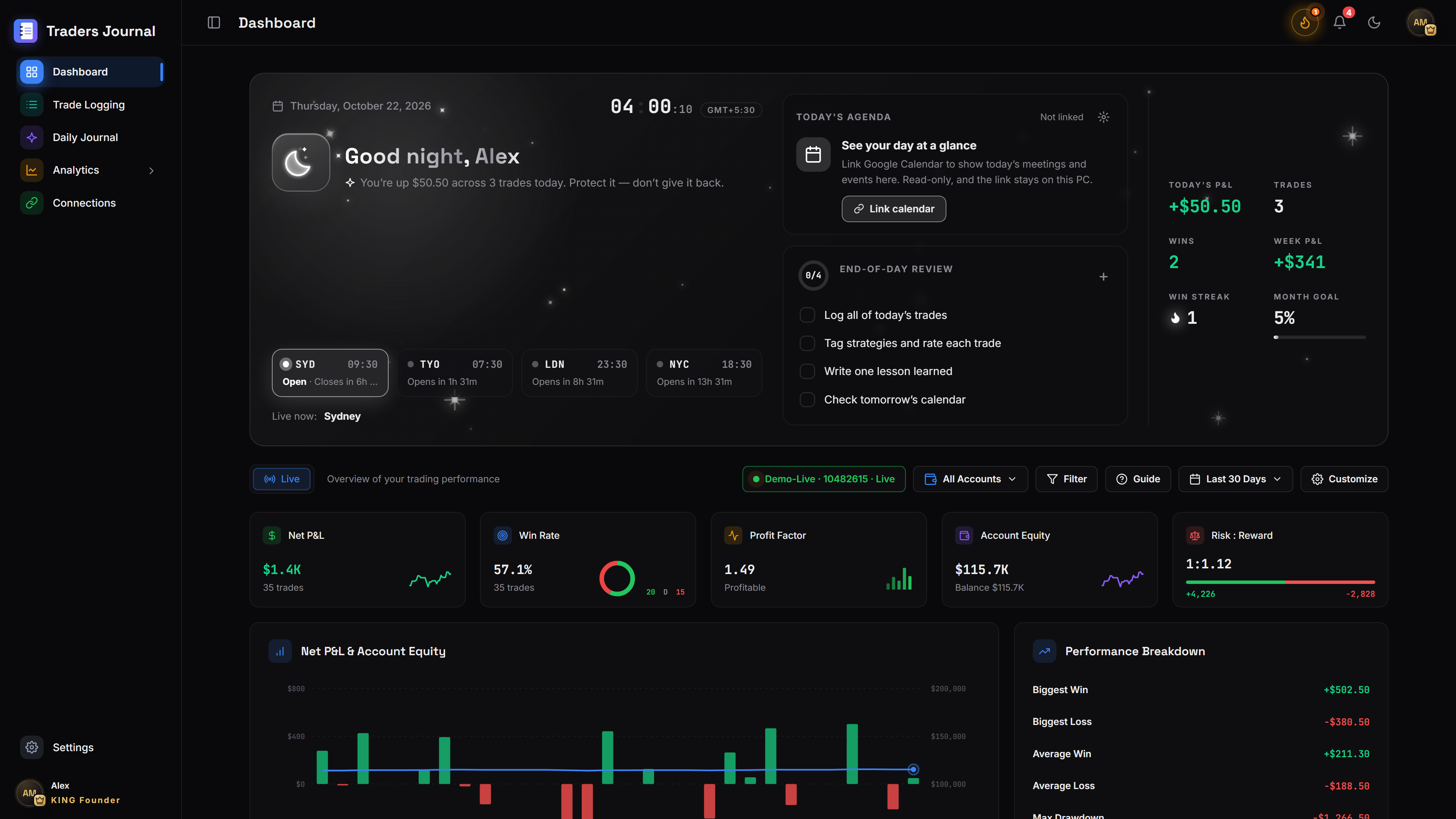
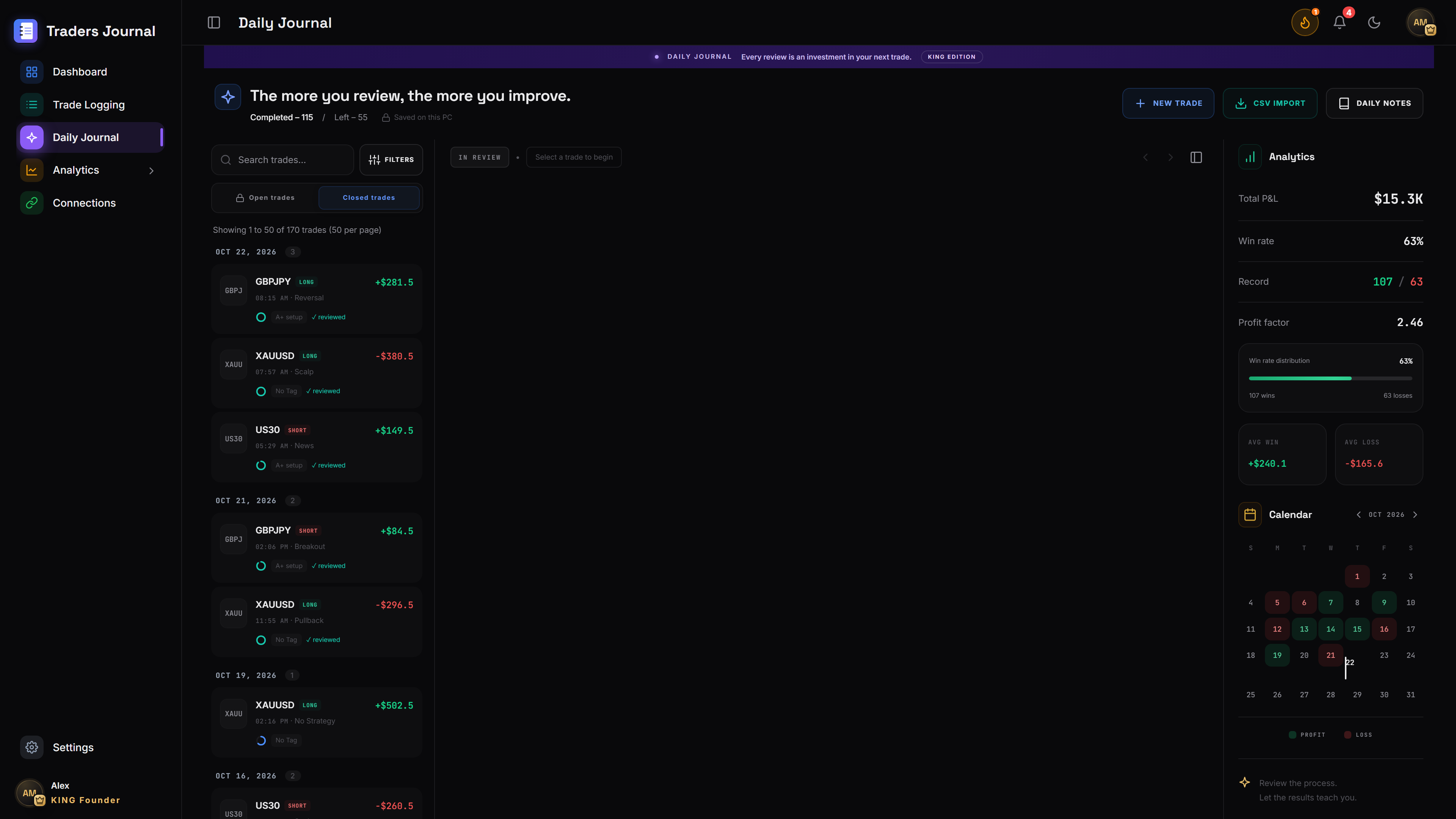
Zero subscription fees, zero cloud leaks. Hardware-encrypted SQLite storage on your own PC with automated expectancy per setup, prop-firm loss locks, and 41 native 4K screens.
41
screens, from the first sign-in to the monthly review.
The core journal is free. Pay once for the extras, and never again.
Free
Free forever
$0
Clone it, build it, and run it on your own machine. Nothing to sign up for.
KING Edition
Lifetime
Once
Everything in the free version, plus the tools that keep you inside your own rules.
No monthly fee on either plan. Your journal keeps working even if you never update it.
Why local-first
Cloud journals store your strategy on their servers. This one keeps it in an encrypted file on your PC.
From sub-second MetaTrader 5 sync and SQLite vault encryption to analytics and rule enforcement.
01 / Privacy
The database is AES-256 encrypted on your own drive. No trackers, no cloud account.
02 / Speed
A local bridge reads fills straight from MetaTrader 5. No webhooks, no typing.
03 / Discipline
Set a daily loss limit once. The journal warns you, then locks you out when you hit it.
Released November 10, 2026
01 / Updates
The app checks for new versions when it starts and every 4 hours, downloads them in the background and installs on restart. See Settings › Updates.
02 / MT5
Traders Journal refreshes your MetaTrader 5 link every 90 seconds, so the status no longer drops to Offline until you press Sync Now.
03 / Dashboard
Colours that follow the time of day, live weather for your city, sunrise and sunset, and a 24-hour timeline of the Sydney, Tokyo, London and New York sessions.
04 / Activity
The Trading Activity map fits the card with equal square days, aligned months and no scrolling.
05 / Notifications
A new notifications panel with tabs for accounts, trading, security and system, plus clearer pop-up messages.
06 / Accessibility
Larger text, a high-contrast mode, a colour-blind-safe profit and loss palette, and full keyboard focus support.
From install to review
01 / Install
Pick a master password. It encrypts the journal on your PC.
02 / Connect
Add the connector to your terminal. Past and new trades sync in.
03 / Trade
Max loss per trade, daily drawdown, and the setups you allow.
04 / Review
Tag mistakes, write the review, and watch your expectancy move.
Questions
A desktop trading journal for MetaTrader 5. It imports your trades automatically, works out your expectancy per setup, and keeps everything in an encrypted database on your computer.
Retail and prop-firm traders on MT5 who want to know which setups pay and want hard limits that stop a bad day getting worse.
No. The MT5 connector sends fills to the journal as they happen. You can still add a trade by hand for anything taken outside the terminal.
In a local SQLite file encrypted with AES-256. There is no cloud account, and the app makes no outbound analytics calls.
The free version handles one connection at a time. KING Edition connects as many live, demo and prop-firm accounts as you run.
From v1.1.0 the installed app updates itself. It checks GitHub for a new release when it starts and every 4 hours, downloads it in the background, and installs it when you choose Restart and update in Settings › Updates (or the next time you close the app). The portable version does not update itself. If you are on v1.0.9 or older, install v1.1.0 once by hand.
Yes. Export everything to CSV or an encrypted backup with one click, from Settings › Privacy & data.
Ready?
Your next session can be the first one on the record.
Download Free (v1.1.0)